

What Is HMI in PLC? Understanding Human-Machine Interface Basics

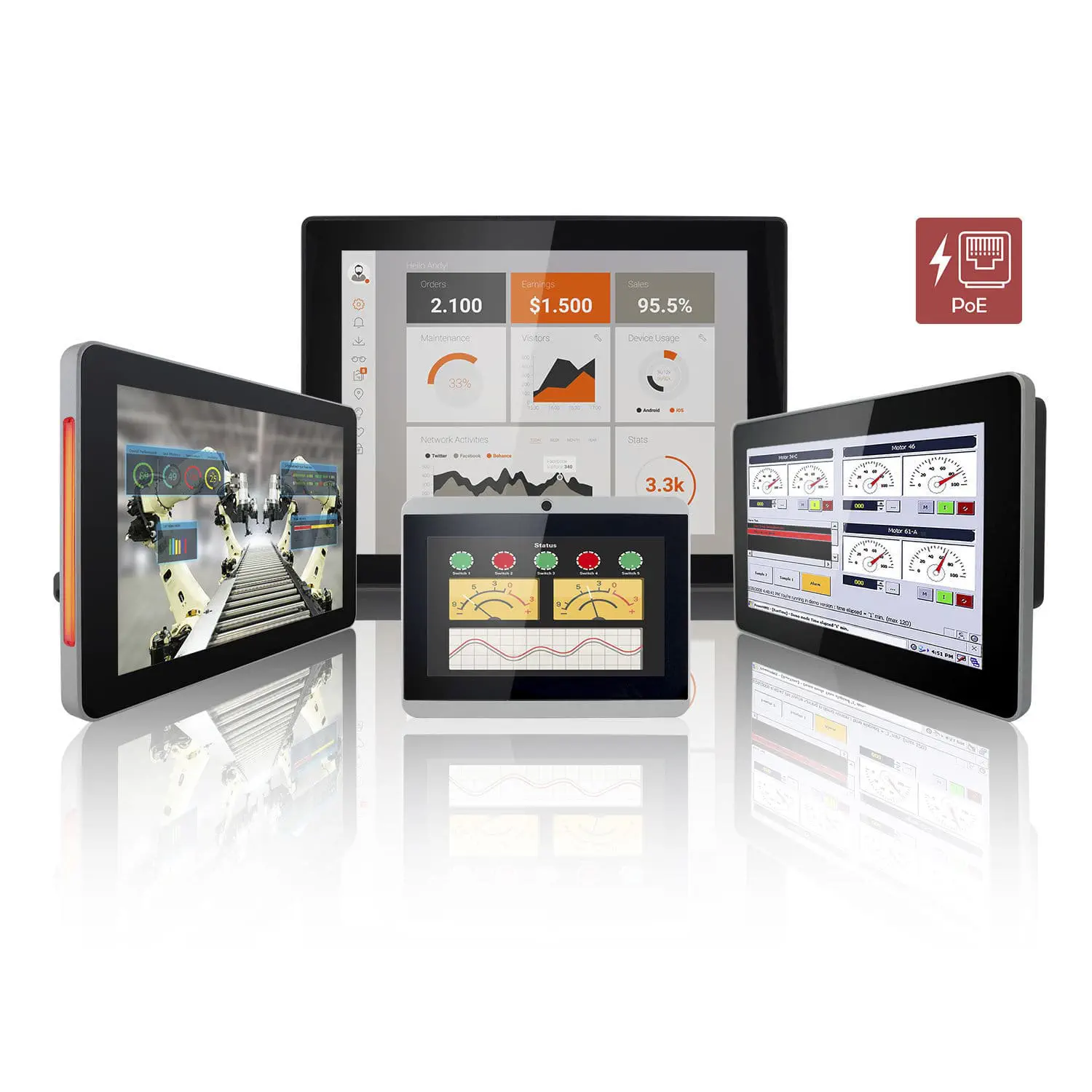
What is HMI in PLC?
In modern industrial automation, understanding the relationship between HMI and PLC is essential for efficient system design and operation. This article explores What is HMI in PLC, its purpose, functionality, and how it integrates with Programmable Logic Controllers to streamline industrial processes.
Tip: Understanding the HMI-PLC interaction can drastically improve troubleshooting and system optimization in industrial environments.
Understanding PLC: The Brain of Industrial Automation
A Programmable Logic Controller (PLC) is a rugged digital computer used for automation of industrial processes such as control of machinery on factory assembly lines, amusement rides, or lighting fixtures. It monitors inputs, makes decisions based on its program, and controls outputs to automate a process or machine.
- Monitors sensors and input devices
- Executes user-defined control logic
- Controls actuators and output devices
- Operates reliably in harsh industrial environments
What is HMI? The Interface for Human Interaction
Human Machine Interface (HMI) is a user-friendly interface or dashboard that connects operators to the industrial control system. It allows humans to monitor, control, and interact with machines or processes managed by PLCs via graphical displays, touchscreens, or physical buttons.
- Displays real-time data and system status
- Allows input commands to control machinery
- Provides alarms and notifications
- Enables process visualization and diagnostics
How HMI Works with PLC
The HMI acts as the communication bridge between the operator and the PLC. Here’s how they interact:
- PLC collects data from sensors and processes it according to its program.
- PLC sends process data to the HMI.
- HMI displays data visually through graphs, meters, and indicators.
- Operator inputs commands or changes parameters via the HMI.
- HMI sends these commands back to the PLC.
- PLC executes commands to control actuators or modify the process.
Key Components of an HMI in PLC Systems
翻译| Component | Function | Example |
|---|---|---|
| Display Screen | Visualizes process data, trends, and alarms | Touchscreen LCD |
| Input Devices | Accepts operator commands and parameter changes | Buttons, Touch interface, Keyboard |
| Communication Module | Enables data exchange between HMI and PLC | Ethernet, Modbus, Profibus |
| Software Interface | Configures display layouts and control logic | SCADA or proprietary HMI software |
Benefits of Using HMI with PLC
- Improved Visualization: Operators can see real-time data and system status clearly, reducing errors.
- Enhanced Control: Easy to adjust parameters and control processes remotely or locally.
- Faster Troubleshooting: Alarm and diagnostic features help quickly identify and resolve issues.
- Increased Productivity: Streamlined operations reduce downtime and enhance efficiency.
Common HMI Types Used with PLCs
| HMI Type | Description | Typical Application |
|---|---|---|
| Panel Mount HMI | Compact touchscreens installed directly on machines | Machine-level control and monitoring |
| Industrial PC HMI | Full PC systems with advanced visualization software | Complex process control and data logging |
| Mobile/Remote HMI | Access via tablets, smartphones, or laptops remotely | Remote monitoring and troubleshooting |
Integrating HMI with PLC: Best Practices
- Ensure compatibility between HMI communication protocols and PLC.
- Design intuitive and clear HMI screens focusing on critical data.
- Implement robust security to restrict unauthorized access.
- Regularly update HMI software to incorporate latest features and fixes.
- Test HMI-PLC communication thoroughly before deployment.
Warning: Improper configuration of HMI and PLC communication can lead to data loss or incorrect system operation. Always validate configurations in a controlled environment before live deployment.
Conclusion
HMI plays a vital role in PLC-based automation by providing an easy and efficient way for humans to interact with complex control systems. From visualizing real-time data to enabling process control and diagnostics, the integration of HMI with PLC enhances productivity, safety, and operational insight in industrial environments. By following best practices and understanding the core components and functions, engineers and operators can leverage HMI to maximize the benefits of PLC automation.